World Cup Travel Calls: Reach U.S. Tickets, Hotels, Airlines, and Support Online
A practical calling plan for World Cup travelers who need to reach U.S. ticket sellers, hotels, airlines, event support, and other U.S. numbers online from abroad without roaming-fee surprises.
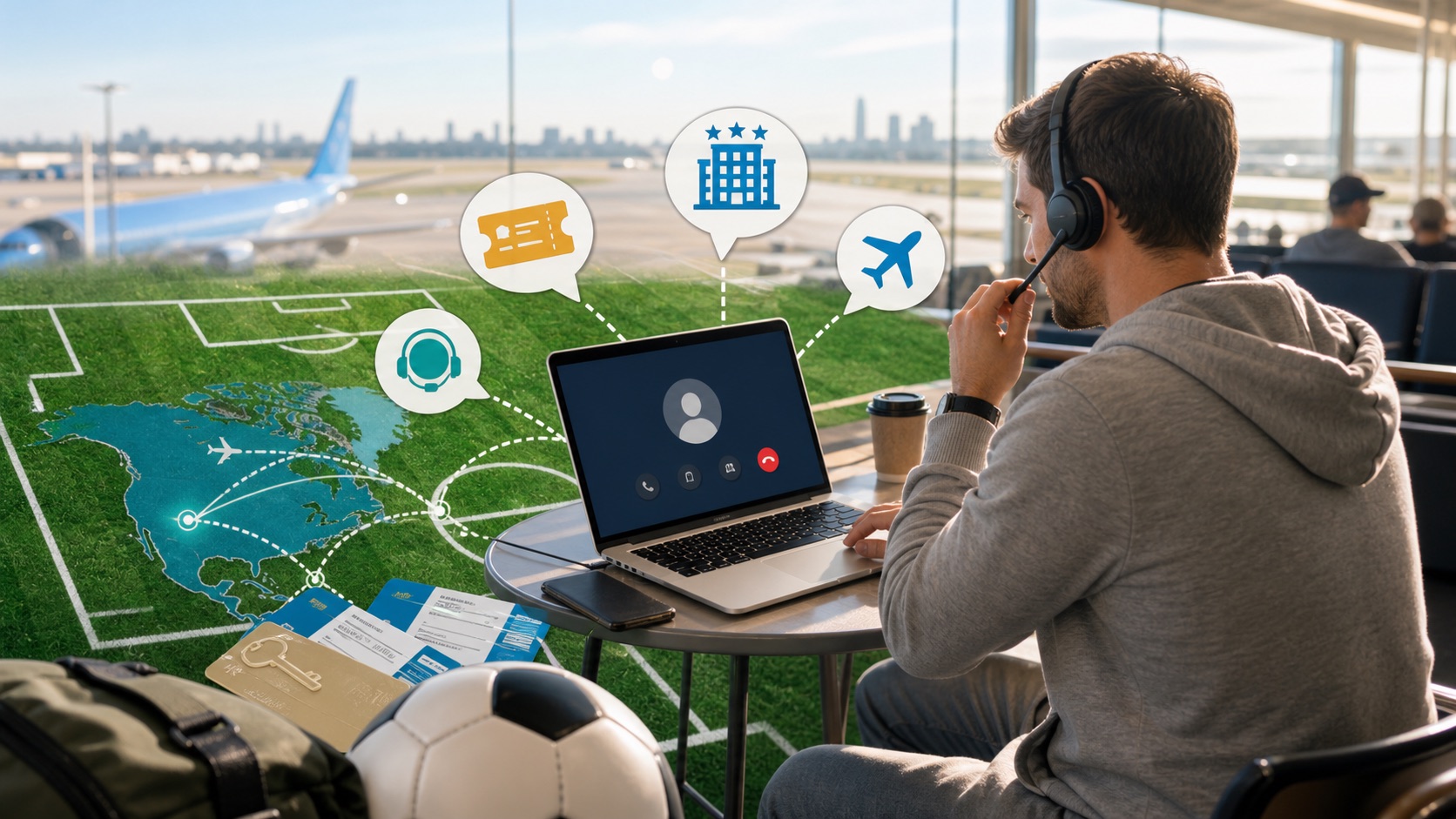
Big tournament travel does not fail in one clean way.
It fails in little clusters: a ticket transfer does not appear, the hotel says the reservation is not guaranteed, the airline moves a connection, a support chat says "call us," and your mobile carrier is waiting nearby with international voice rates.
For World Cup travelers, the practical problem is often not "How do I make calls?" It is more specific:
- how do I reach a U.S. ticket seller from another country?
- how do I call a hotel desk when the app is vague?
- how do I get an airline agent during a rebooking rush?
- how do I call event, organizer, travel-insurance, or card-support lines without paying roaming rates for hold music?
This guide is for those calling jobs. It is not a generic travel checklist. It is a way to decide who you need to call, what to prepare before dialing, and how to call U.S. numbers online from abroad when the normal mobile path is expensive or unreliable.
First, sort the call by job
During a major soccer tournament, every travel problem feels urgent. Sorting the call by job keeps you from wasting the first 10 minutes explaining the wrong problem to the wrong queue.
Ticket support
Call ticket support when the issue is tied to ticket delivery, transfer, resale, account access, seating, payment, or entry rules.
Before you dial, collect:
- order number or confirmation number
- ticket-account email address
- last four digits of the payment card
- event date, venue city, and seat section
- screenshots of transfer errors or payment receipts
Use the number from the ticket seller's official help center, account page, or receipt. Avoid numbers from search ads, forum replies, or social posts, especially when tickets and payment details are involved.
If the support page only shows a U.S. number, you can still call it online with a browser-based dialer. The basic workflow is covered in How to Call a Phone Number Online From Your Browser.
Hotels and short-stay hosts
Call the hotel when the online reservation looks technically correct but operationally risky.
That includes:
- late check-in after a delayed flight
- name mismatch between booking site and front desk
- deposit, incidentals, or card authorization questions
- room-type confirmation for families or groups
- cancellation-window disputes after schedule changes
Hotel calls are usually more useful when you ask for the front desk or reservations desk directly. For tournament weeks, do not rely on "we will note it" unless the agent confirms the exact booking name, arrival date, and any late-arrival instructions.
If you need the hotel to email confirmation, ask while you are still on the call. A written follow-up is much easier to use at midnight than "someone told me on the phone."
Airlines
Airline calling spikes hard around big events because everyone is trying to protect the same travel dates.
Call the airline when you need:
- rebooking after a schedule change
- a missed-connection plan
- baggage help tied to a tight match-day arrival
- clarification on ticket credit or cancellation rules
- help when the app says no options are available
Start with the airline app or official contact page, not a random search result. Keep your record locator, ticket number, flight numbers, passenger names, and acceptable backup routes open in another tab.
For a deeper airline-specific workflow, use Call Airlines from Abroad. The U.S. Department of Transportation also keeps practical passenger guidance at Air Travel Consumer Protection.
Event, organizer, and local support lines
Some tournament problems are not really ticket, hotel, or airline problems.
You may need to call:
- venue accessibility support
- shuttle or local transport support
- travel insurance
- card issuer fraud support
- passport or consular help
- official event customer service
The rule is simple: use the most official source available for the number. For government or consular questions, start from Travel.State.Gov country information or the relevant embassy/consulate page instead of a search snippet.
Why U.S. numbers get awkward from abroad
Many U.S. businesses still publish normal domestic numbers or toll-free numbers as the main support path. That can be fine inside the United States and weird outside it.
The usual failure points are:
- toll-free numbers that do not connect cleanly from overseas
- mobile plans that charge international voice rates
- hotel phones that block or surcharge long-distance calls
- support lines with 20 to 60 minutes of hold time
- phone trees that require repeated attempts
If the destination is a U.S. toll-free number, read Call U.S. Toll-Free Numbers from Abroad Without Roaming Charges or Call 800 Numbers from Abroad before assuming the number is broken.
Calling online is mostly about avoiding hold-time waste
The expensive part of tournament travel support is rarely the first minute.
It is the hold music. It is the transfer. It is the agent who sends you to a specialist queue. It is the second call after the first call drops.
Calling U.S. numbers online from a browser helps because the call can run over your internet connection instead of your roaming voice line. That means you can make the practical phone call without turning every minute of waiting into a carrier-billing problem.
For cost planning, use the Browser Calling vs Roaming Cost Estimator. If you are trying to catch a U.S. support desk from Europe, Asia, or Latin America, use the Time-Zone Overlap Calculator for U.S. Support Calls before you start dialing.
A tournament-week calling checklist
Before you call, do the boring setup once:
- open the official account, booking, or receipt page
- copy the support number from an official source
- write down the extension or phone-tree path if one is shown
- keep your passport name, booking name, and payment-card details nearby
- use headphones from a quiet place instead of an airport gate if possible
- connect to stable Wi-Fi or a strong data connection
- decide what outcome you need before the agent answers
That last point matters. "Can you help me?" is weaker than "I need my ticket transfer resent to this email," "I need late-arrival confirmation for tonight," or "I need the earliest protected rebooking that still gets me to the match city by noon."
When CallAlternative fits
CallAlternative is useful when the job is a real outbound phone call to a U.S. or Canada number and you do not want your mobile carrier to be the expensive middleman.
That is a good fit for:
- travelers calling U.S. ticket sellers from abroad
- fans calling hotels before arrival
- airline rebooking calls during travel disruption
- card, bank, insurance, and support lines that still require voice verification
- people who want to call from a laptop while keeping booking pages open
If the call also involves privacy, a dedicated-number plan can help you avoid exposing your everyday mobile number on every travel-support call. The practical privacy angle is explained in Call Privately With an Alternative Phone Number From Your Laptop, PC, or Phone.
Final takeaway
World Cup travel calling is not one problem. It is a pile of specific jobs: ticket support, hotels, airlines, event lines, card issuers, and other U.S. numbers that become urgent at exactly the wrong time.
The smart move is to prepare the call like a travel task:
- use the official number
- know the exact outcome you need
- call during a useful time-zone window
- avoid roaming rates for long hold times
- keep a browser-calling backup ready
If you need to make the call now, open the browser dialer. If you want the general online-calling walkthrough first, start with How to Call a Phone Number Online From Your Browser.